Website · password.reddy.world
password.reddy.world
Every password in one safe home.
password.reddy.world is a step-by-step plan for moving all your passwords into one password manager. It guides you, step by step, from choosing a manager to the final checks, and it is made for a household: the computers, phones and tablets everyone uses. Make your plan at password.reddy.world.
What you can do
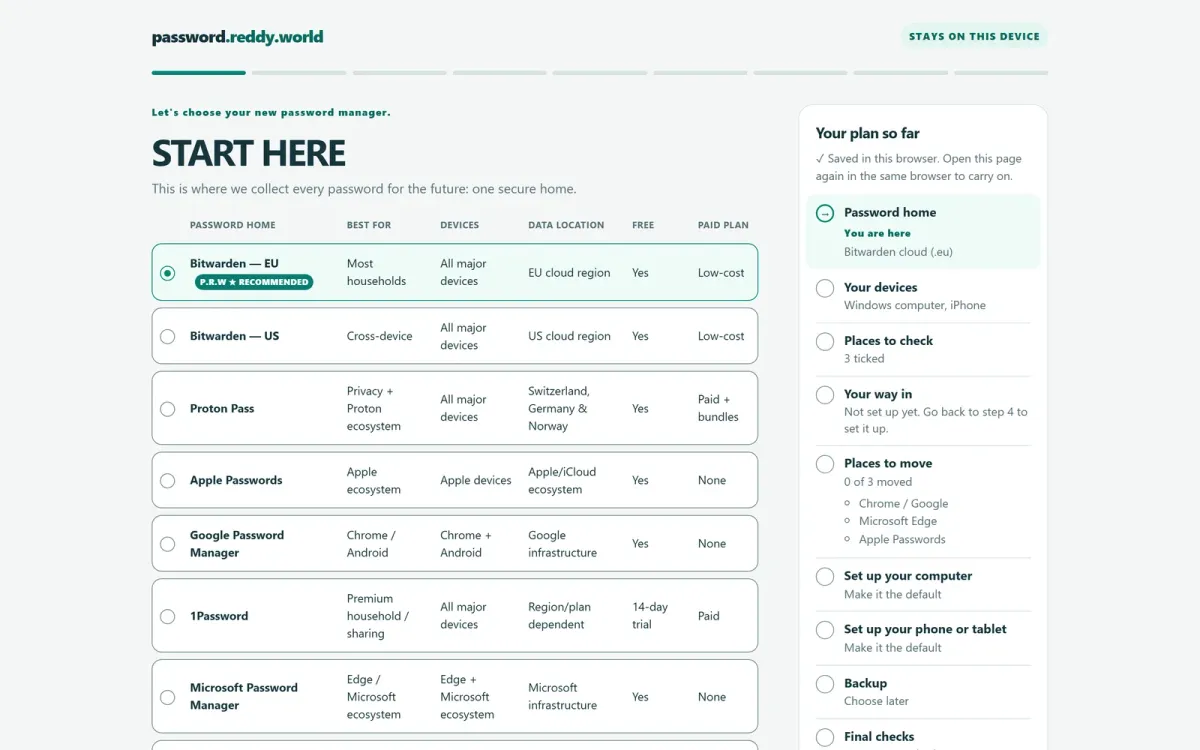
- Compare password managers side by side: what each is best for, on which devices, where your data is kept, and what it costs. It recommends Bitwarden in its EU region, to keep your data under the GDPR.
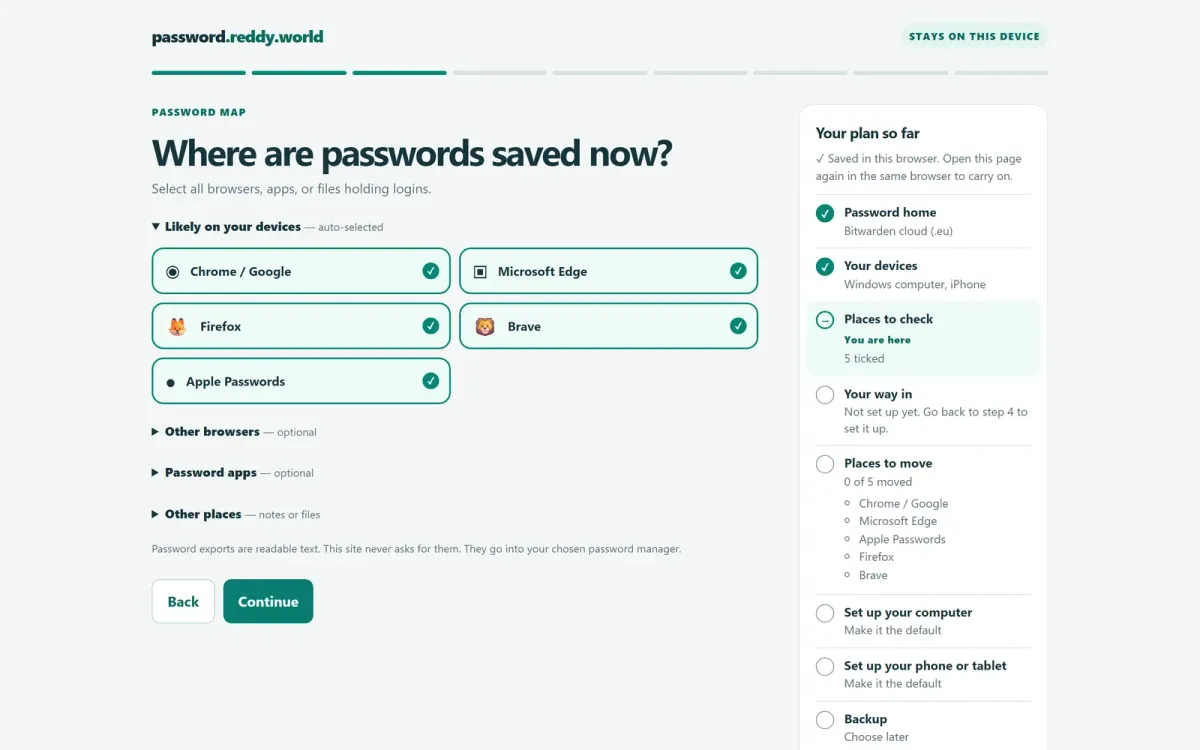
- Tick the devices you have used, and the browsers, apps and files where passwords are saved now. Each becomes a place to move.
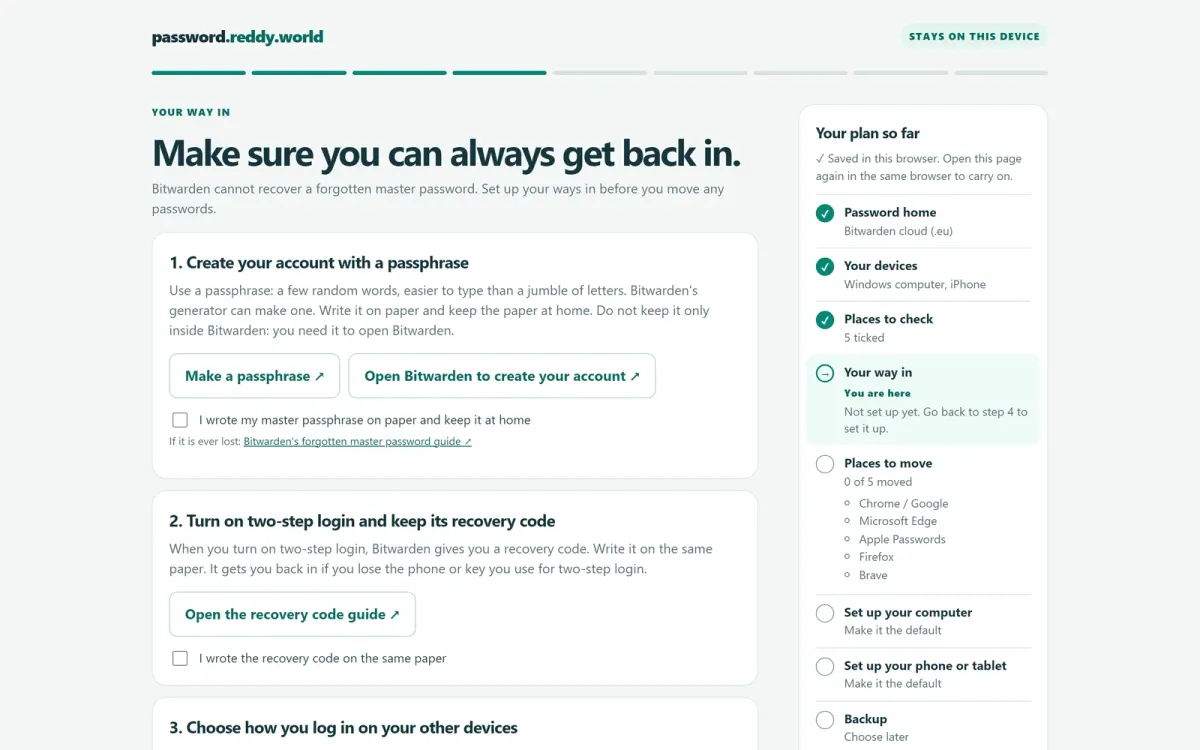
- Set up your way in before you move anything: a passphrase, two-step login and its recovery code, written on paper and kept at home.
- Follow the plan to set up your computer and your phone, choose a backup, and finish with the final checks.
The hard parts
It never touches a password. The site never asks for your passwords, your exports or your recovery codes. Exports are readable text, so they go straight into your chosen manager, not through this site.
A plan that stays with you. Your plan is saved in your own browser. Open the page again in the same browser and you carry on where you left off.
The way back in comes first. Bitwarden can’t recover a forgotten master password, so the plan asks for your way in before any password moves.